Hi Steve,
We’re glad that you’re an excited early adopter of the new Python functional service!
There is indeed a private PyPI repository on the LEAF Nexus instance:
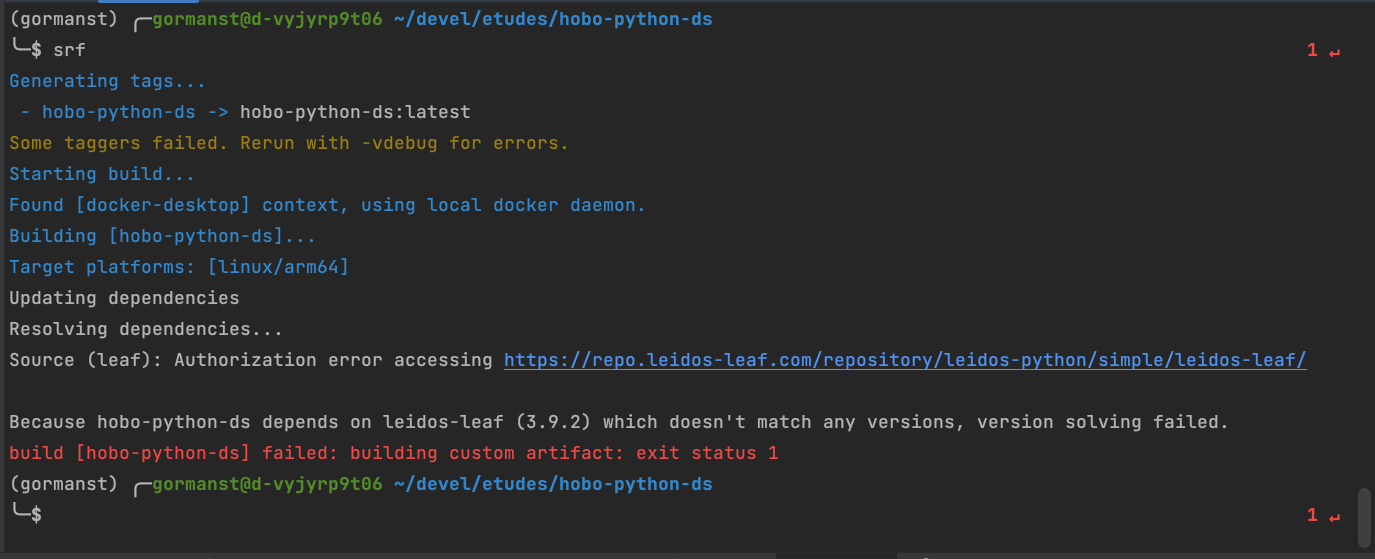
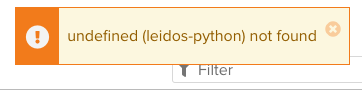
If you can’t see the leidos-python repo on Nexus when you browse it manually, perhaps there’s some credential issue going on? You should verify that you can browse to it with your credentials first (the direct link above likely won’t work until after you’ve authenticated in your browser with Nexus).
It can unfortunately be a little tricky using private repositories with Python tooling like pip and poetry.
Using pip manually or by specifying the extraIndex URL in requirements.txt, you may embed credentials in the URL in the HTTP basic auth format. But note that this means any special characters in your username or password must be URL-encoded, eg. the @ sign in your leidos email address must be encoded as %40.
This literal syntax will populate the values from environment variables $NEXUS_USER and $NEXUS_PASSWORD:
# contents of requirements.txt
--index-url https://${NEXUS_USER}:${NEXUS_PASSWORD}@repo.leidos-leaf.com/repository/leidos-python/simple
--extra-index-url https://pypi.org/simple
leidos-leaf == 3.9.2
I apologize that I don’t know much about Poetry, but I believe - on macOS at least - it will use the system keyring for credentials, and you may first need to configure it with these commands:
poetry config repositories.leaf "https://repo.leidos-leaf.com/repository/leidos-python/simple"
poetry config http-basic.leaf <NEXUS_USERNAME>
I believe it may also require you to configure the file ~/.config/pypoetry/auth.toml, with:
[http-basic]
[http-basic.leaf]
password = "<NEXUS_PASSWORD>"
username = "<NEXUS_USERNAME>"
I might humbly suggest trying with good old fashioned pip, and once you’re able to pull the package down that way, then try with poetry?
We welcome any feedback you can provide to help smooth out the process of adopting this new Python service!